Micro Data Center Cost: How to Build a Realistic Budget
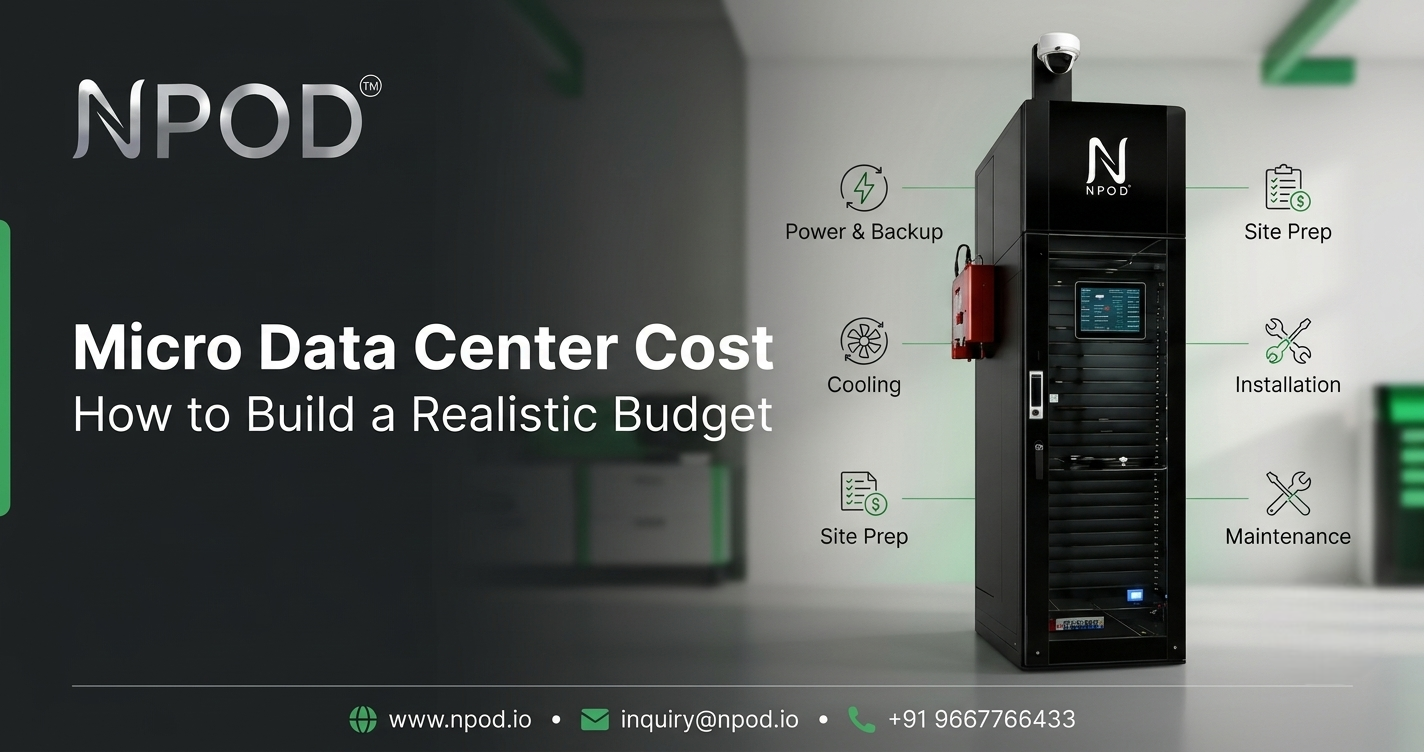
Estimating micro data center cost starts with understanding what your business actually needs. Two businesses with similar-sized setups can receive very different quotations. One may need a compact solution for office applications, while the other requires higher power capacity, more cooling, extended backup runtime or stronger physical security.
These differences affect the equipment, supporting infrastructure, installation work and ongoing services included in the final price. That is why the enclosure size alone cannot show the full investment required.
Before requesting quotations, define your technical requirements, identify both upfront and recurring expenses and compare supplier proposals based on the same specifications. This approach makes it easier to understand what each quotation covers and choose a solution that fits your operational needs and budget.
1. Start With Your Requirements Before Requesting Quotes
The easiest way to make a budget confusing is to request prices before defining the deployment.
Start with the workload. What applications will run at the site? How many servers, storage devices and network components need to be installed? What are their power requirements, and is additional equipment likely to be added later?
Next, identify the deployment location. An existing IT room may already have suitable electrical infrastructure and environmental controls. A factory, branch office or remote site may require additional preparation before the equipment can be installed.
You should also define your availability requirements. An environment that can tolerate a short interruption may need a different power configuration from one supporting applications that must remain available during certain power events.
Write these requirements down before approaching suppliers. Even a basic equipment inventory, estimated IT load, preferred installation location and expected growth plan can make quotations more useful and easier to compare.
2. Separate Core Equipment From Optional Features
An integrated micro data center can combine several infrastructure components in one coordinated system. However, not every configuration includes the same equipment or capabilities.
Depending on the model, the quotation may cover the enclosure, IT rack, power distribution, UPS and batteries, cooling, monitoring, physical access control and fire protection. Some components or protection features may be optional.
This distinction matters when comparing prices. One supplier may include a UPS and battery system, while another may quote these separately. A cooling system may also be designed for a particular IT load rather than every possible deployment.
Ask each supplier for an itemized list showing what is included, what is optional and what falls outside the quoted scope. Confirm the usable rack capacity, supported IT load, cooling capacity and electrical requirements for the proposed configuration.
Do not assume that two products are equivalent simply because they are described using the same product category. Their specifications and included systems may differ considerably.
3. Account for Site Preparation and Installation
Equipment cost is only one part of the initial budget. The installation site can introduce additional work that needs to be identified before the project begins.
Check whether the location has a suitable electrical supply, enough physical space and appropriate access for delivering and installing the enclosure. Depending on the site, the project may also require electrical work, cabling, networking, floor preparation or other modifications.
Environmental conditions matter too. A system installed in an existing office environment may face different requirements from one operating in a dusty industrial area or an outdoor location.
Ask whether transportation, installation, configuration, commissioning and testing are included in the quotation. Confirm who is responsible for preparing the site and whether a survey is needed before the final price can be established.
It is also worth clarifying what happens if installation reveals an unexpected requirement. Knowing how additional work will be assessed and approved can help prevent budget surprises.
4. Estimate Ongoing Power and Maintenance Costs
The initial purchase price does not show what the infrastructure will cost to operate over time.
Electricity is one important expense. The total depends on the equipment load, cooling requirements, operating hours and the efficiency of the supporting systems. Where possible, use realistic operating data rather than relying entirely on maximum ratings.
A preliminary electricity estimate can be built from the average measured input power, expected operating hours and the applicable electricity tariff. Make sure the input-power figure accounts for the relevant system components, including cooling and power-conversion losses, where applicable.
Maintenance is another consideration. UPS batteries have a service life and may need replacement. Cooling equipment may require cleaning, filter changes or servicing. Monitoring systems, sensors and other components may also need maintenance or eventual replacement.
Ask the supplier what maintenance is recommended, which services are included in the warranty and whether support is available after installation. Also clarify the response arrangements for equipment faults.
You do not need to predict every future expense precisely. A realistic budget should identify the major recurring costs, the assumptions used and the expenses that need periodic review.
5. Compare Supplier Quotations on an Equal Basis
Once your requirements are clear, request quotations using the same baseline. Otherwise, differences in price may reflect different equipment and service scopes rather than better value.
For each proposal, verify the rack capacity, IT power allowance, cooling arrangement, UPS and battery configuration, monitoring capabilities, security features and installation requirements. Check whether the proposed system meets your workload and environmental needs.
Pay attention to warranty coverage and support terms as well. A quotation should explain what is covered, how technical issues are handled and whether preventive maintenance or replacement parts involve additional charges.
Ask suppliers to identify exclusions and assumptions explicitly. If one proposal includes installation and commissioning while another covers equipment only, the prices should not be compared without accounting for that difference.
Published configuration information can help you prepare these questions. For example, NPOD's micro data center product page outlines different rack and cooling configurations. The important next step is to confirm the exact model, capacity and included components being proposed for your deployment.
The goal is not to choose the longest feature list or the lowest headline price. It is to compare solutions that meet the same requirements.
6. Plan for Growth Without Overbuying
A budget should account for reasonable future needs, but that does not mean buying the largest available configuration.
Start by identifying likely changes over the system's working life. You might add servers, increase storage, deploy new applications or move additional workloads closer to the users who depend on them.
Then ask how the proposed system can accommodate those changes. Can capacity be expanded? Would higher equipment density require different cooling? Can the power infrastructure support additional load, or would a larger configuration be needed?
These questions help distinguish useful flexibility from features that may never be needed.
It is also important to understand the limits of expansion. A modular design does not automatically mean every component can be upgraded independently. Some changes may require additional infrastructure or a different configuration.
Choose a system that meets current requirements while allowing for realistic growth where practical. This helps avoid both premature replacement and unnecessary spending on unused capacity.
A Practical Checklist Before Approving the Budget
Before approving a quotation, confirm the following:
- Equipment: Are the rack capacity, dimensions and supported IT load suitable?
- Power: Are distribution, UPS, batteries and backup requirements clearly specified?
- Cooling: Does the cooling capacity match the expected workload and environment?
- Protection: Are monitoring, physical access control and fire protection included or optional?
- Installation: Are transport, site preparation, commissioning and testing accounted for?
- Operations: Have electricity, maintenance, battery replacement and support costs been considered?
- Commercial terms: Are the warranty, exclusions, service coverage and upgrade options clear?
Request model-specific documentation and keep the assumptions behind each quotation. That makes it easier to revisit the budget if the workload or deployment plan changes.
Conclusion: Build the Budget Around the Actual Deployment
A realistic infrastructure budget starts with a clear understanding of the workload and installation environment. From there, businesses can compare the equipment, supporting systems, site work and ongoing expenses that make up the complete solution.
A lower initial quotation is not necessarily the more economical choice if critical components or essential services are excluded. Compare suppliers against the same requirements, confirm the specifications and account for the costs of operating the system over time.
The aim is simple: choose a configuration that meets the business's actual needs without paying for capacity or features it is unlikely to use.
Frequently Asked Questions About Micro Data Center Cost
What determines the cost of a micro data center?
The main factors include rack capacity, IT power requirements, UPS and batteries, cooling, monitoring, physical security, fire protection, site preparation and installation. The final quotation depends on which components and services are required for the specific deployment.
Which components should be included in a quotation?
Ask for a clear breakdown of the enclosure, rack, power distribution, UPS, batteries, cooling, monitoring and relevant security features. Transportation, installation, commissioning, warranty and support should also be identified. Confirm which items are optional or excluded.
Does installation add to the initial budget?
It can. Depending on the site, expenses may include electrical work, cabling, networking, floor preparation, transportation, installation and commissioning. A site assessment can help identify these requirements before the quotation is finalized.
What ongoing costs should businesses plan for?
Common expenses include electricity, cooling-system maintenance, UPS battery replacement, equipment servicing, monitoring and technical support. The actual costs depend on the system configuration, workload, operating conditions and service arrangements.
About the author
- NPOD provides Edge Data Center solutions with power, cooling, monitoring, and protection for scalable distributed IT infrastructure across multiple locations.
Comments
Join the discussionNo comments yet. Be the first to comment.