Inside a Containerized Data Center: How Its Systems Work Together
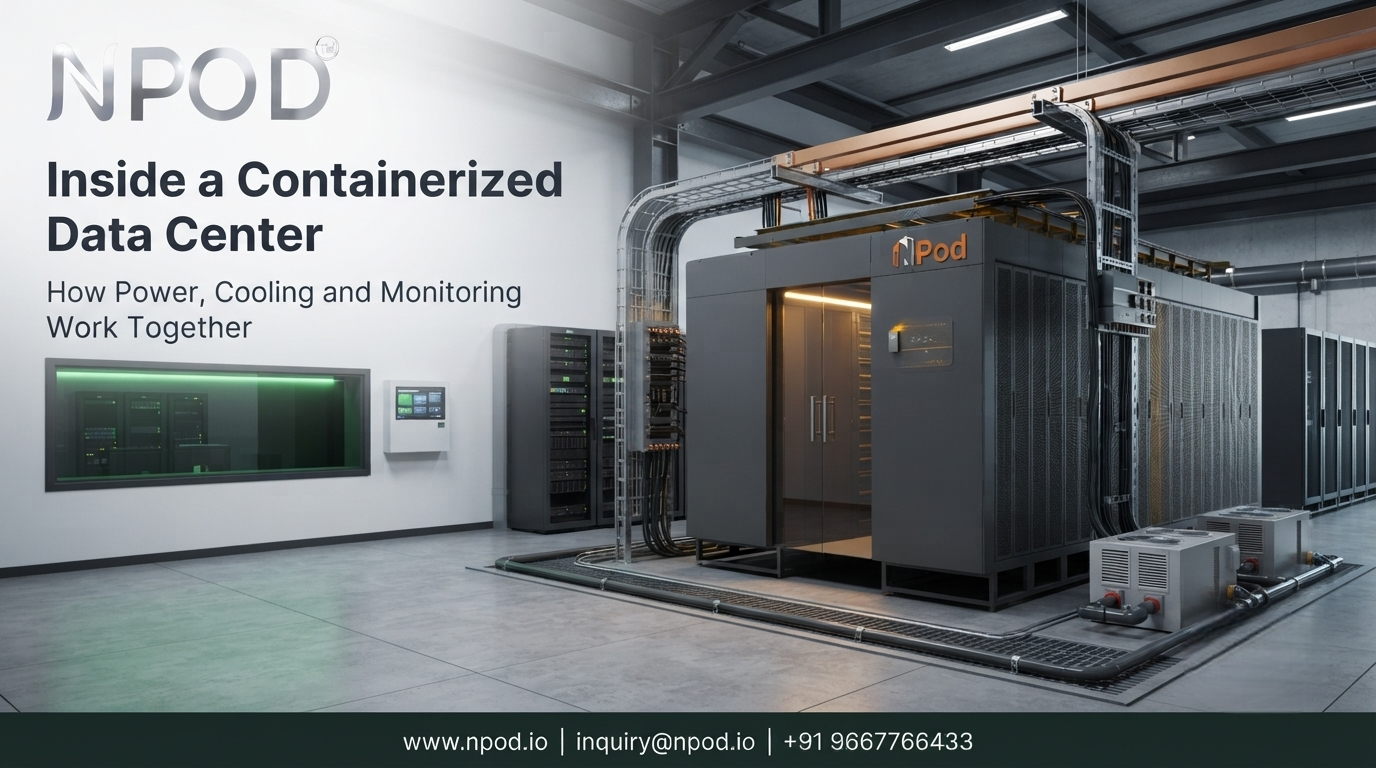
A containerized data center brings servers and the infrastructure they depend on into a purpose-built enclosure. The challenge is making those systems work together. Rack placement affects airflow. Server loads determine power demand and cooling needs. Monitoring helps operators spot changes before they turn into larger problems.
Looking at each component separately can hide these connections. A cooling unit may have enough capacity on paper yet struggle with poorly arranged equipment. A UPS may support the installed load but offer less backup time than the business expects. The design needs to account for the whole environment rather than treat each component as an independent purchase.
Rack Layout Shapes the Rest of the Data Center Design
The rack layout sets the foundation for the rest of the installation. Servers, storage devices and network switches need enough space for installation, cable routing and maintenance. Their placement also affects how air moves through the enclosure.
IT rack systems should be selected around the equipment they will hold. Weight, depth, power connections and future capacity all matter when deciding how the racks should be arranged.
Cable management deserves attention at the same stage. Power cables and network connections must reach the right equipment without blocking access or restricting airflow. A layout that looks neat during installation can become difficult to maintain when additional devices and cables are added later.
The design should also leave room for technicians to replace equipment without disturbing unrelated systems. This is especially relevant when the unit operates at a site where specialist support is not always available.
Power Distribution and UPS Support Critical Equipment
Once the equipment list and rack layout are known, the power system can be sized around the actual load.
Incoming electrical power passes through the required protection and distribution equipment before reaching the racks and individual devices. Power distribution units help deliver electricity to connected equipment while allowing the installation to be arranged around its load requirements.
The important part is matching capacity to demand. Adding servers later can increase the load beyond what the original design was intended to support. The team should understand the limits of the supply and distribution system before planning an expansion.
A UPS provides backup power when the normal supply is interrupted. Depending on its design and load, it can keep supported equipment running long enough for another power source to take over or for systems to shut down in an orderly way.
Battery capacity and the connected load determine how long backup power can last. Expected runtime should therefore be based on the equipment that needs protection rather than a general assumption about how long a UPS will operate.
The power plan should also cover battery condition, alarms and maintenance. A backup system is only useful when it can deliver the required support during an interruption.
Cooling and Airflow Help Protect Server Performance
Every active server produces heat. As equipment is added or workloads increase, the cooling system must handle the resulting heat load while maintaining suitable conditions for the installed hardware.
Precision cooling systems are designed to control the environment around IT equipment. Their performance depends not only on cooling capacity but also on how air moves through the racks and enclosure.
For example, if cables or equipment block the intended airflow path, some servers may receive less cool air than expected. The cooling unit could continue operating while temperatures rise in a particular part of the rack.
Airflow and cable management should therefore be considered together. Rack placement, air intake paths and hot-air exhaust routes all influence how effectively the system removes heat.
A modular data center container needs a cooling design suited to its equipment load and installation conditions. The team should also know how temperature changes will be detected and what action is required if the cooling system fails.
Monitoring Links Power, Cooling and IT Infrastructure
Power, cooling and environmental conditions affect one another, which makes monitoring an important part of the overall design.
Data center infrastructure management (DCIM) can bring information from connected infrastructure systems into a common view. Depending on the installed equipment and integration, this may include power usage, temperature, humidity, cooling status and access events.
Real-time monitoring and alerts help operators identify conditions that need attention. A temperature warning, for example, may prompt the team to check cooling performance, airflow or a recent change in server load.
Monitoring does not resolve a fault on its own. Alerts need sensible thresholds and a clear response process. If an alarm reaches the wrong person or no one is responsible for investigating it, the information may arrive without leading to useful action.
The monitoring setup should also be tested before the facility goes live. Teams need to confirm that the expected readings are available and that important alarms reach the people responsible for the installation.
Physical Security and Fire Protection Safeguard Equipment
Physical security protects equipment against unauthorized access. Depending on the site and its requirements, access control may use PINs, RFID credentials or biometric checks. Intrusion detection can provide alerts when a door or protected area is accessed unexpectedly.
These controls should match the way the facility is operated. Access permissions need to be managed when staff responsibilities change and entry records may be useful when investigating an incident.
Fire protection systems address a different risk. Detection equipment identifies signs of a possible fire while the selected suppression system is designed for the enclosure and the hazards present. The design should follow applicable safety requirements and be reviewed by qualified specialists.
Monitoring may bring security and fire alerts into the same interface used for power and cooling. However, shared visibility does not replace the separate checks and response procedures each system requires.
Factory Integration Helps Prepare Systems for Deployment
A factory-built data center allows selected infrastructure components to be assembled and checked before the unit reaches its final location. This can reduce the amount of separate installation work required on-site, depending on the scope of the supplied configuration.
Factory integration is most useful when the systems have been designed to work together. The rack arrangement must suit the cooling path. Power distribution must match the intended equipment. Monitoring needs access to the relevant devices and sensors.
The work does not end when the unit arrives. The installation team still needs to connect the required utilities and confirm that the systems operate correctly in their final environment.
For projects evaluating integrated data center infrastructure, NPOD is one provider whose containerized and modular offerings can be assessed against the required configuration. The relevant questions concern the equipment included, system compatibility, installation responsibilities and ongoing support rather than the product category alone.
Commissioning Checks Before the Data Center Goes Live
Commissioning should test how the connected systems behave together rather than simply confirm that each device powers on.
The team should verify power delivery, UPS operation, cooling performance, monitoring alerts and access controls. It should also check that equipment can be serviced safely and that the response to a fault is understood by the people who will operate the installation.
The same checks should be repeated after significant changes to the equipment or system configuration. Adding servers, replacing cooling components or changing monitoring settings can affect other parts of the environment.
Why Coordinated Design Matters in the Long Run
A containerized data center works as intended when its racks, power, cooling, monitoring and protection systems are planned as parts of the same installation. Understanding those connections helps technical teams make better design decisions and identify problems before the infrastructure enters service.
Frequently Asked Questions About Containerized Data Centers
Which Systems Are Inside a Containerized Data Center?
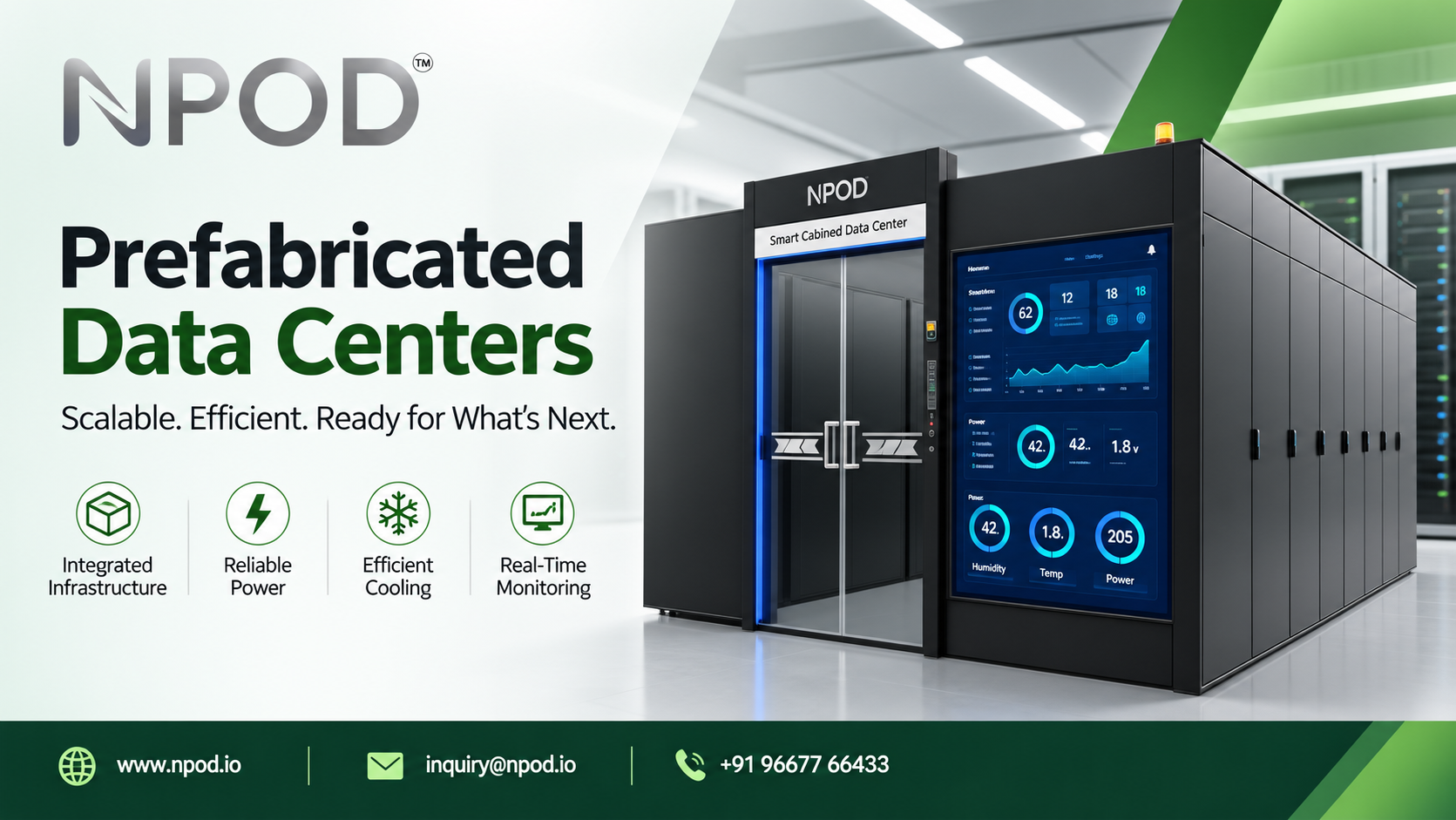
Depending on the configuration, it may contain IT racks, power distribution, UPS and batteries, cooling equipment, monitoring, access control and fire protection systems.
How Does DCIM Help Manage Data Center Infrastructure?
DCIM provides a way to monitor and manage connected infrastructure information such as power, temperature and cooling status. Available functions depend on the platform and the systems integrated with it.
Why Does Airflow Matter in a Containerized Data Center?
Airflow carries heat away from servers and helps maintain suitable operating conditions. Poor rack placement or blocked air paths can create hot spots even when the cooling equipment is running.