What Does It Take to Build Infrastructure for AI Workloads?

AI is changing what businesses expect from their IT infrastructure. A workload that once ran comfortably on standard servers may now require GPUs, higher power capacity, faster networking, and much stronger cooling. This is why an AI data center cannot be planned simply by adding high-performance servers to an existing room.
The real challenge is building an environment where AI workloads can run reliably today while leaving enough capacity for future growth.
Why AI Workloads Are Different From Traditional IT Workloads
Traditional enterprise applications often run on CPU-based servers with relatively predictable resource requirements. AI workloads can be very different.
Training and inference workloads can place sustained pressure on GPUs, power systems, cooling equipment, storage, and network infrastructure. As GPU density increases, the amount of heat generated inside individual racks also increases.
For businesses planning data centers for AI, infrastructure therefore needs to be considered as one connected system rather than as separate IT components.
5 Infrastructure Challenges Businesses Need to Solve
1. Power Capacity
AI servers can consume considerably more power than conventional enterprise equipment. A facility needs sufficient electrical capacity not only for the IT load but also for cooling, power distribution, backup systems, and other supporting infrastructure.
Power planning should consider:
Current rack requirements
UPS capacity
Power distribution
Backup power
Future rack expansion
Available electrical capacity at the facility
Underestimating power requirements can become a major limitation when additional AI hardware needs to be deployed.
2. Cooling and Heat Management
More computing power means more heat.
Conventional room cooling may be sufficient for moderate-density IT environments, but higher-density GPU deployments can require more targeted cooling approaches.
An AI-ready facility may need:
High-capacity cooling
Rack-level cooling
Improved airflow management
Hot-aisle or cold-aisle planning
Temperature and environmental monitoring
Cooling should be planned alongside rack density and power requirements rather than treated as an afterthought.
3. Networking and Data Movement
AI systems often process large datasets and move information between compute, storage, and other systems.
Network infrastructure therefore needs to support the required bandwidth and latency. Poor network planning can create bottlenecks even when the compute hardware has sufficient capacity.
For data center AI deployments, network design should consider GPU communication, storage traffic, redundancy, and future bandwidth requirements.
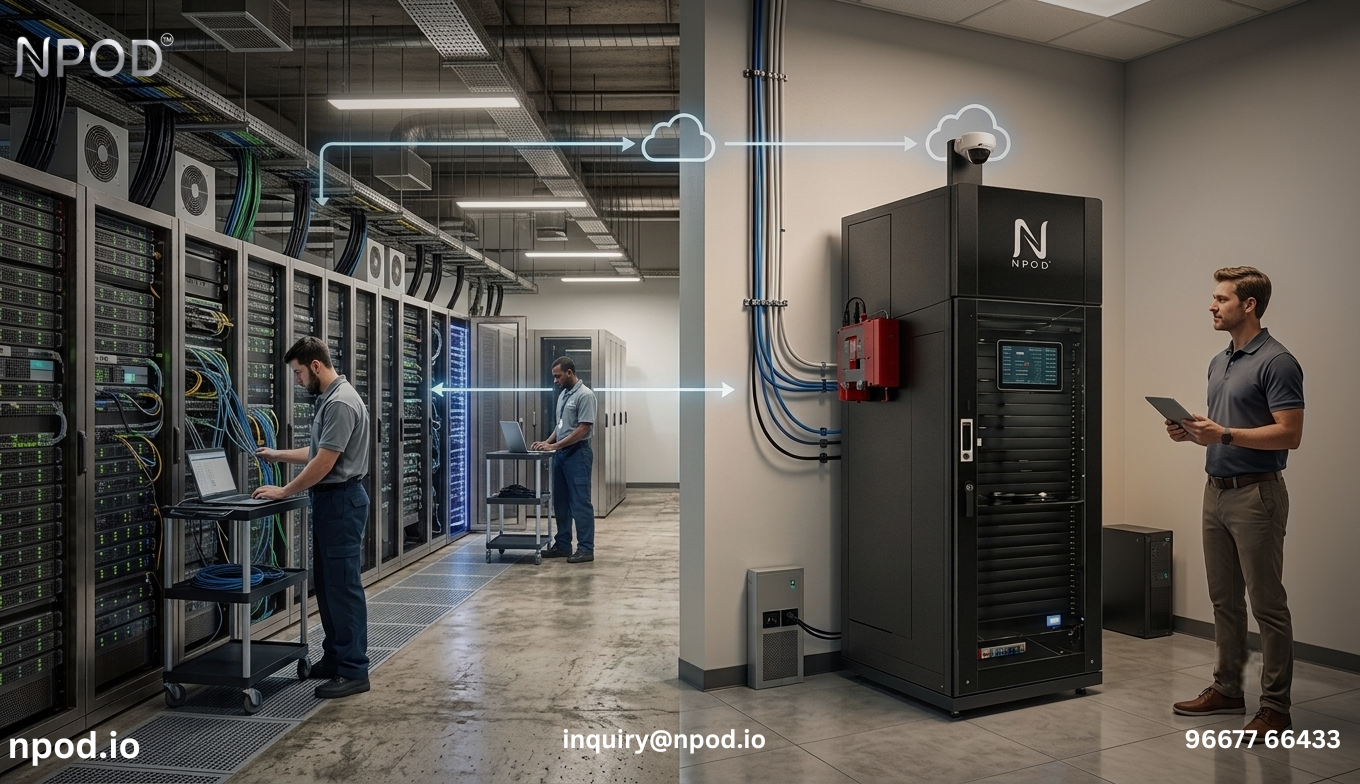
4. Monitoring and Reliability
AI infrastructure can represent a significant investment, making visibility into the environment important.
Monitoring systems can track conditions such as:
Temperature and humidity
Power consumption
UPS status
Cooling performance
Rack conditions
Equipment alerts
Early visibility into abnormal conditions can help infrastructure teams respond before a small issue affects critical workloads.
5. Scalability
AI infrastructure requirements can change quickly. A facility designed only for today's hardware may become restrictive when additional GPUs, storage, or networking equipment are introduced.
Scalability should therefore be part of the initial design. This includes reserving physical space, power capacity, cooling capacity, and network resources for future expansion.
What Should an AI-Ready Facility Include?
There is no single configuration that fits every AI deployment. The right infrastructure depends on workload requirements, rack density, location, availability expectations, and growth plans.
However, an AI-ready environment can include:
High-capacity power distribution
UPS and backup power
High-density server racks
Suitable cooling infrastructure
High-speed networking
Environmental and infrastructure monitoring
Physical security
Fire protection
Space and capacity for expansion
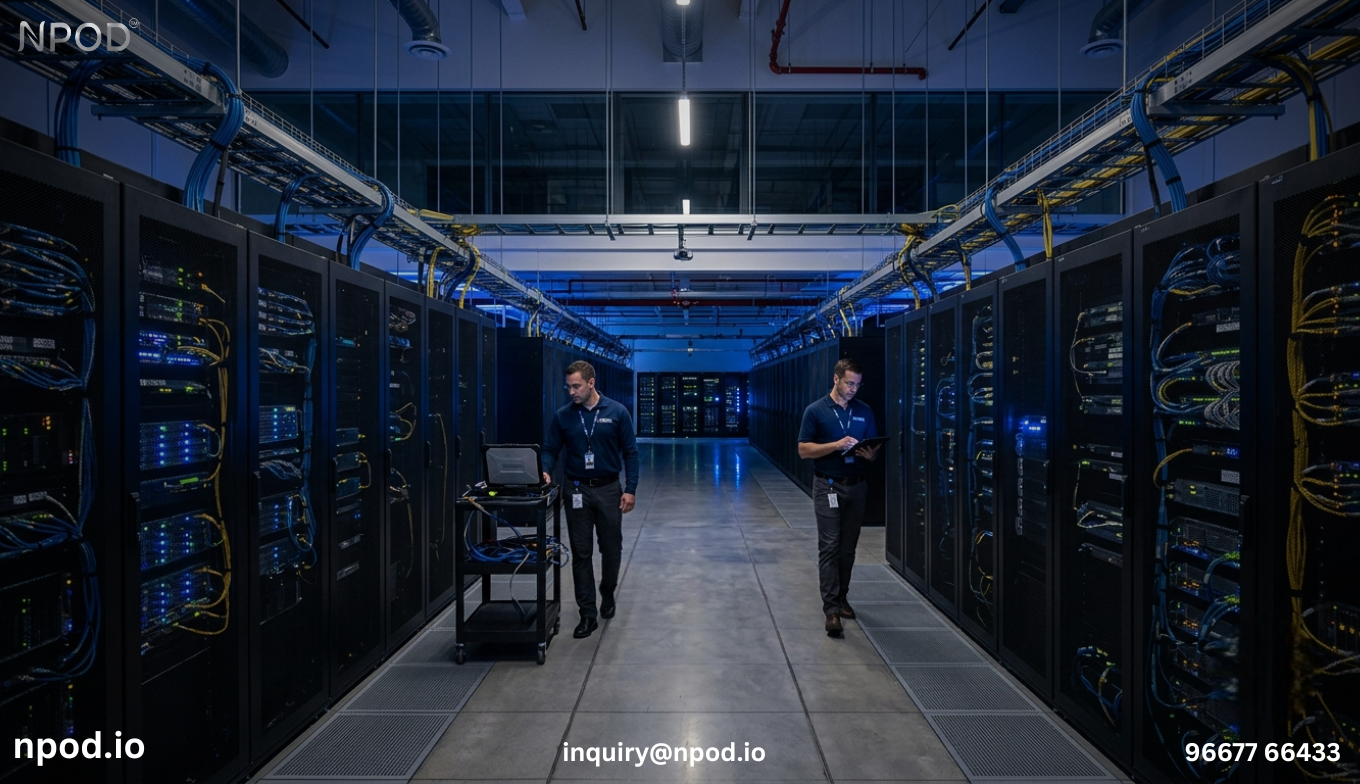
The important point is integration. Power, cooling, racks, monitoring, and networking need to work together.
Can an Existing Data Center Handle AI Workloads?
Sometimes it can, but an assessment should come first.
Before installing GPU-heavy equipment, businesses should evaluate the facility's available power, cooling capacity, rack density, floor space, network infrastructure, and backup systems.
A data center that supports conventional servers does not automatically have the capacity required for a high-density AI deployment.
A proper infrastructure assessment can identify where upgrades are required before new hardware is installed.
How Modular Infrastructure Can Help
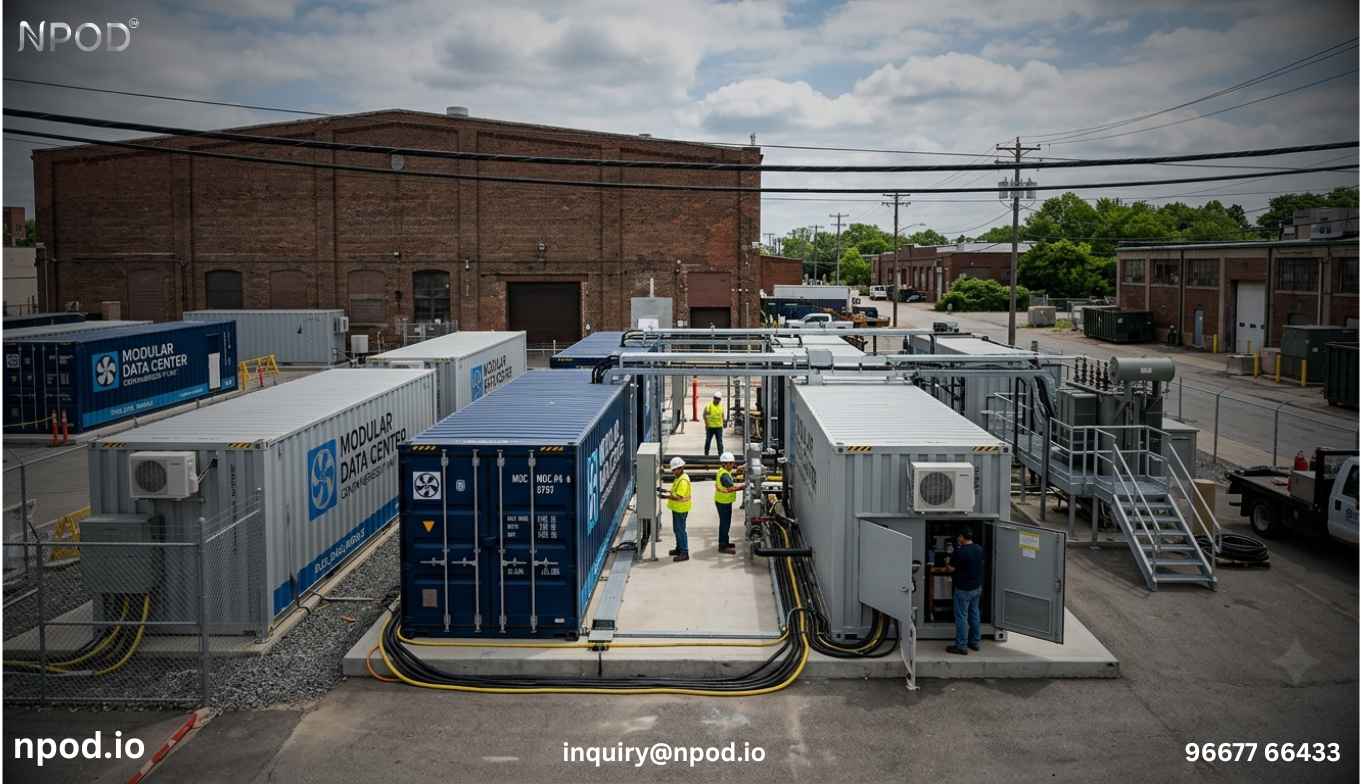
For organizations that need to deploy AI infrastructure quickly or in locations where traditional construction is difficult, modular approaches can provide an alternative.
A modular data center can bring key infrastructure components into a standardized deployment model. Depending on the design, this can simplify installation and make it easier to scale capacity as requirements change.
This approach can be particularly relevant for organizations operating in distributed locations, constrained facilities, or environments where deployment time matters.
Planning for the Next Stage of AI Growth
AI infrastructure should not be planned around the assumption that today's requirements will remain unchanged.
Businesses should ask:
How much computing capacity will be required over the next few years?
Can the existing electrical system support additional racks?
Is there enough cooling capacity for higher-density equipment?
Can the network handle increased data movement?
How easily can new capacity be added?
Answering these questions early can prevent expensive redesigns later.
How NPOD Supports AI Infrastructure Requirements
NPOD provides integrated data center infrastructure designed around key requirements such as power, cooling, racks, monitoring, security, and deployment flexibility.
Its approach can support organizations evaluating infrastructure for AI workloads, including environments where high-density computing and future scalability need to be considered together.
Businesses exploring AI-ready infrastructure can also evaluate related approaches such as micro data center solutions, prefabricated data centers, and modular data center infrastructure.
Conclusion
Building infrastructure for AI workloads involves much more than selecting powerful servers. Power availability, cooling, networking, monitoring, physical space, and scalability all influence how effectively AI systems can operate.
The most practical approach is to assess these requirements together before deployment. Whether the project involves upgrading an existing facility or developing a new AI-ready environment, careful infrastructure planning can provide a stronger foundation for current workloads and future expansion.
FAQs
What is an AI-ready data center?
An AI-ready data center is an environment designed to support demanding AI workloads through appropriate power, cooling, networking, rack density, monitoring, and scalability.
Why do AI workloads require more cooling?
AI workloads can use high-performance GPUs and other computing hardware that generate substantial heat, particularly when equipment operates at high utilization for extended periods.
Can a traditional data center support GPU workloads?
It can in some cases, but the facility should first be assessed for power capacity, cooling, rack density, networking, and available expansion capacity.
What should businesses consider before deploying AI infrastructure?
Businesses should evaluate computing requirements, power, cooling, networking, physical space, monitoring, redundancy, security, and future expansion needs.
How can modular infrastructure support AI workloads?
Modular infrastructure can provide a standardized way to deploy supporting data center systems and may simplify expansion where space, construction time, or deployment flexibility are important considerations.